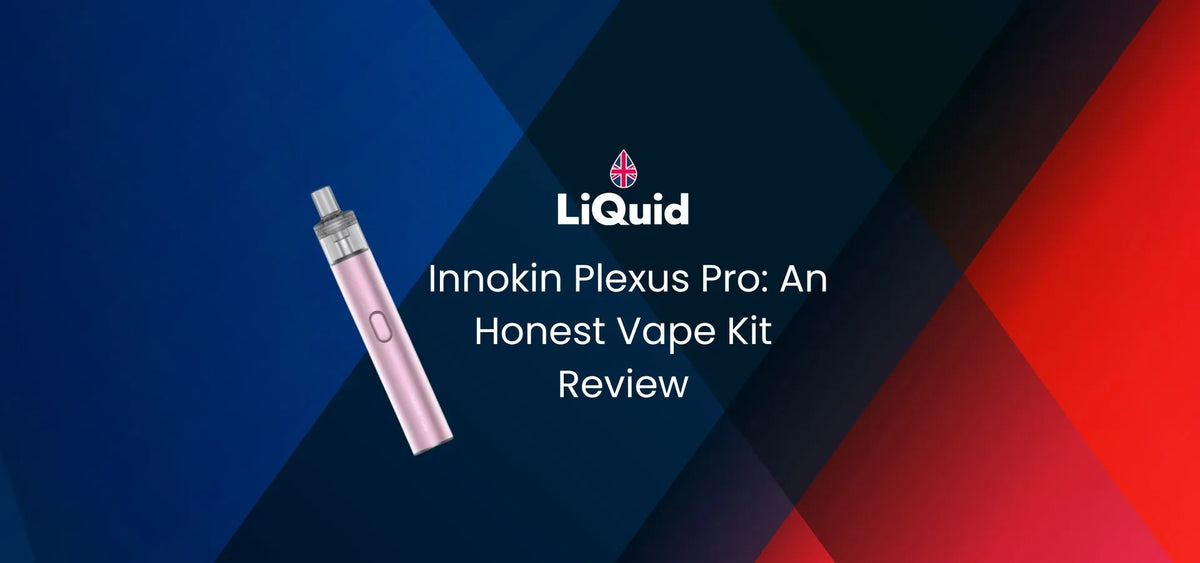
Innokin Plexus Pro: An Honest Vape Kit Review
In this review I'll discuss my personal hands-on experience with the Plexus Pro vape kit by Innokin. This blog will highlight the pros, cons and compatibility of the device with different pods and e-liquids.
Read on to discover if this kit is a fit for you, and if it's worth your money!
About The Innokin Plexus Pro: Innokin's Best After 10 Years
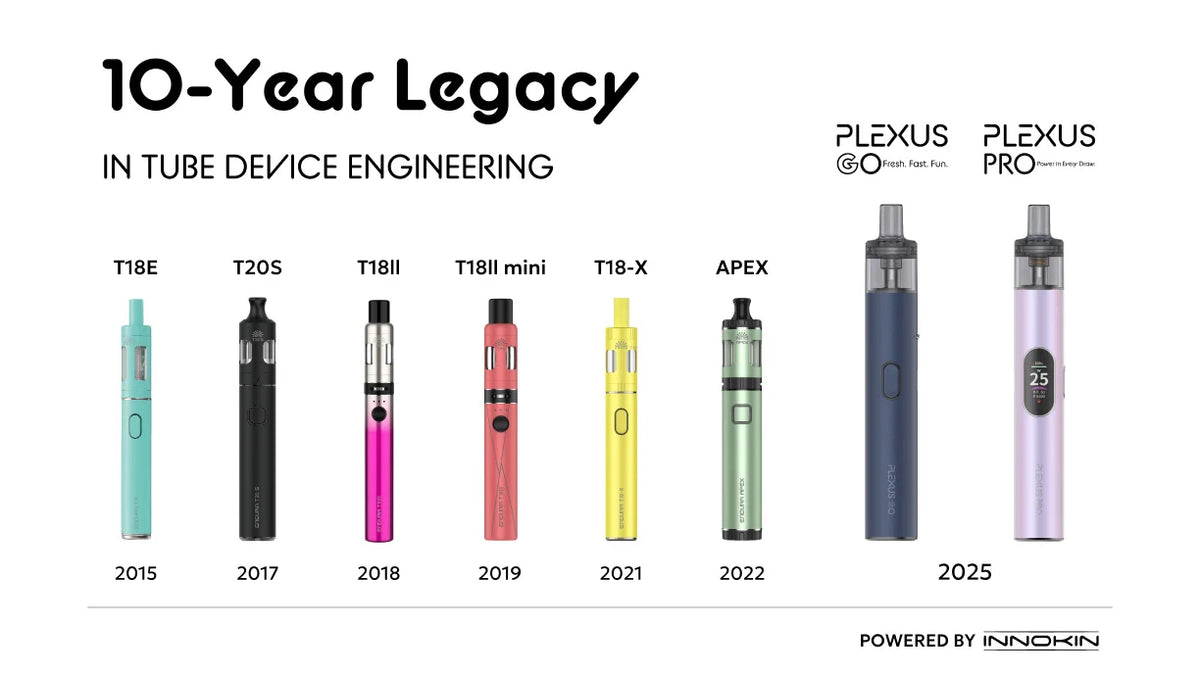
Innokin has been developing tube kits for just over 10 years now and to celebrate their anniversary of doing so, the Plexus Go and Pro were conceived. These are examples of what Innokin are capable of after such a long time in the industry, developing these types of kits with their current tech and expertise across this time.
By today's standard, they hold up against the popular pod-style kits that currently dominate the market, whilst retaining the classic pen-style appearance and feel that many vapers love.
This is further benefitted by iTaste tech, specifically developed by Innokin and included in modern cartridges for a extra strong flavour boost.
Browse the full Innokin range below:
Innokin Plexus Pro First Impressions

What's In The Box?
What's In The Box?
When you buy the Innokin Plexus Pro device, the following items are included:
- 1 x 1,350 mAh Plexus Pro Device
- 1 x 0.6ohm Innokin Plexus Pod
- 1 x 0.8ohm Innokin Plexus Pod
- 1 x User Manual

How Does It Look & Feel?
The first clear and obvious note to make about the Plexus Pro is that it's a pen-style kit, which in today's pod-dominated market has become more of a rarity.
Nonetheless, the style still finds favourability amongst longer-term vapers who are accustomed to it, or even newer vapers who simply find it more comfortable to use. I personally found it quite comfortable to hold, despite the slightly larger size compared to other kits at its price.
Similarly, the mouthpiece is equally as comfortable as those used in pod style kits, ultimately I'd suggest which is better depends on personal preference.
The menu screen is small enough to not take up too much space, allowing the colour options to shine through. The metallic finishes across the range certainly fits the kits aesthetic.

Is It Easy To Use?
I would say that the Plexus Pro is easy to use. Despite the inclusion of a menu, it's completely optional to tweak settings and the device works fine just out of the box as is.
If you do want to use menu functions, you might need a little more vaping knowledge and patience when testing, but I'd overall say it's a device that can be used by beginners and experts equally.
Overall, it's a good mid-range device at a mid-level price. The tech and features hold up to what you're paying for, while not being too intimidating or complex for vapers at a beginner level.
Setting Up: How To Use Plexus Vape Cartridges
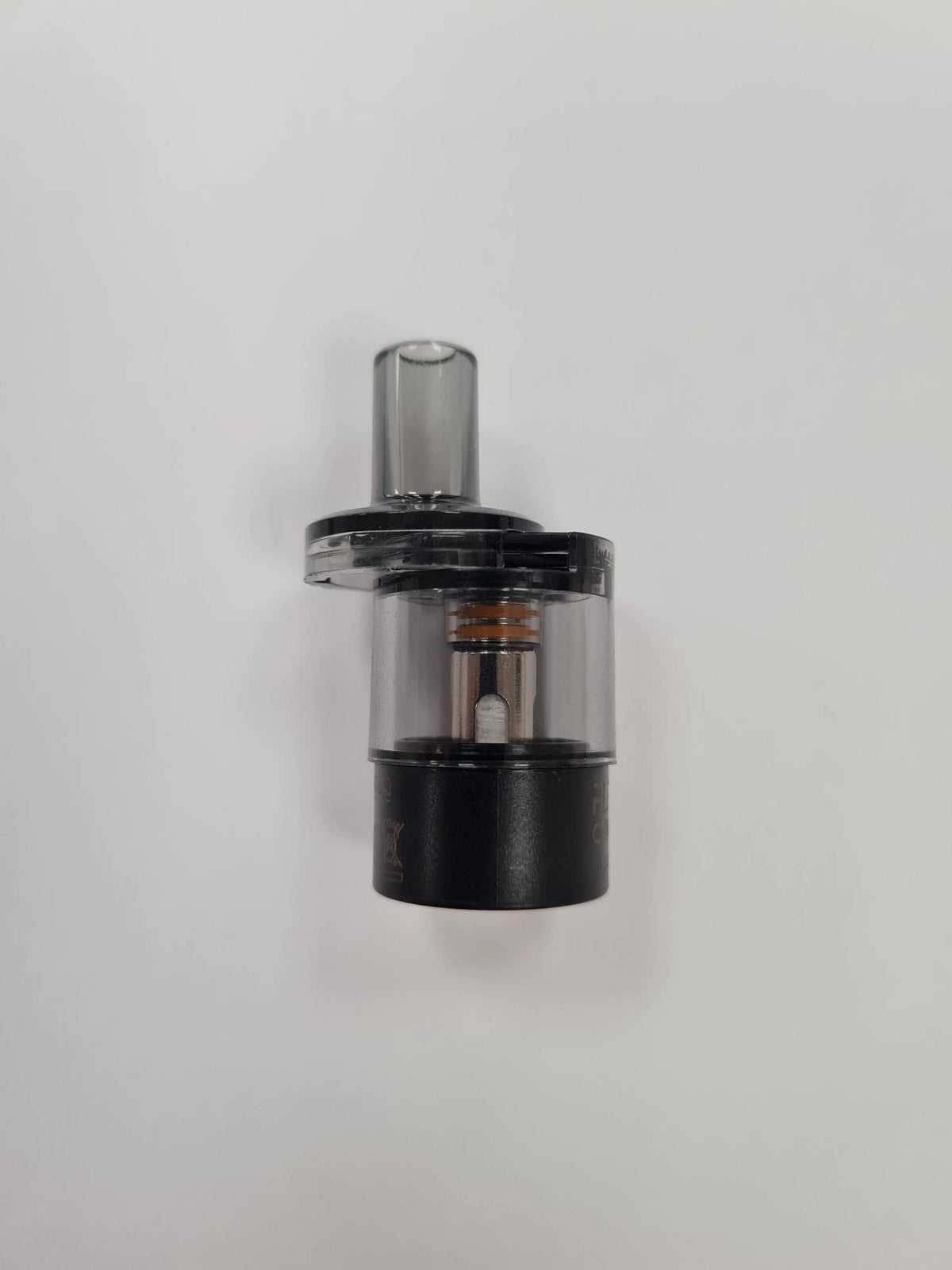
The Plexus Pro arrives with two coils, a 0.6ohm coil pre-attached and 0.8ohm coil in the box. The choice of these two coils perfectly equips the Plexus for use with freebase or nic salt e-liquid from the get-go, also allowing you to test each to find your preference.
Innokin Plexus cartridges are made with iTaste tech, which boosts flavour enhancement when used with e-liquids. This made a notable difference, especially when used with nic salts, which I'll explain later in the blog.
To get started with the Plexus Pro, you'll need to set up a fresh Plexus cartridge according to the following steps:
- Remove the cartridge from the Plexus device, peeling off the protective sticker on the bottom.
- Find the fill port at the top of the mouthpiece by sliding it.
- Once open, insert your bottle into the filling port.
- Gently squeeze the bottle to fill the Plexus cartridge, taking care not to overfill.
- Close the fill port and reinsert the cartridge into the battery.
- Allow it to absorb for a minute or two. Once finished, it's ready for use.


Available in stock (11)
Innokin Plexus replacement pods are designed for the Plexus Pro and Plexus Go pod kits, offering a 2ml refillable capacity, built-in mesh coils, and smooth flavour performance. Available in multiple resistances, these pods provide an easy and reliable solution for hassle-free pod replacement with no coil changes required.
Using The Innokin Plexus Pro Vape Kit
The Best E-Liquids To Use With The Plexus Pro
The Plexus Pro works with a range of e-liquids, though this all depends on your choice of coil.
Freebase 50/50 e-liquid works best with:
- 0.8ohm Plexus Cartridge
- 1.2ohm Plexus Cartridge
50/50 nic salt e-liquid works best with:
- 0.6ohm Plexus Cartridge
- 0.8ohm Plexus Cartridge
I'd reccomend against using High-VG e-liquid with this device. If you want to try high-VG e-liquid, instead try a device with higher wattage and lower ohm coils.
From the e-liquids available, I'd definitely suggest using nic salts.
The iTaste tech ensures Bar Salt e-liquid performs at its absolute best. When combined with nic salts this is most notable, giving strong flavour in every puff even at low battery.

Navigating The Plexus Pro Menu & Modes
Mode management is quite simple with the Plexus Pro. By pressing the side button numerous times in accordance with the required setting (as explained in the user's manual), you can quite easily navigate.
Modes can be set manually or through the device's smart mode, which auto applies based on the cartridge inserted.
You can increase wattage by increments of 1W, this setting can be accessed quite easily by clicking the power button three times in quick succession.
The standardised settings work great enough however, so if you're not familiar or confident to start playing with wattages, you can simply use it at factory settings out the box and enjoy it just fine.

Plexus Pro Battery Life & Charging
The Plexus Pro sits at a respectable 1,350 mAh battery, which will easily last a full day of use, even with higher wattage settings.
Personally I found the menu to communicate the battery pefectly, with an exact count at all times.
Where I mostly used the standardised settings with the included 0.6ohm coil, I tried upping the wattage at times and found it didn't drain too fast. The iTaste tech also kept flavour strong even when my battery was on its way out.
Overall, it's a good level of battery for a kit of this price and power. You'll be unlikely to find yourself running short early.
Should You Buy The Plexus Pro by Innokin?
I would say most vapers should buy the Plexus Pro if they're looking for a decent mid-range kit. It does everything you'd want it to at a strong standard, with understandable features and strong tech.
If you're especially looking for a pen-style kit, this is quite the gold standard for pen-styles. Greatly benefited by Innokin's strong hold on the market for 10 years and still going, it's rare to find a device made this intricately.
From ergonomics, to style, to tech, I'd certainly recommend the Plexus Pro across the board as a vape kit you should pick up.


Out of stock

Meet The Reviewer
Will is a fast-rising vaping expert and one of the newest members of the EDGE content team. Since joining, he has immersed himself in every aspect of vaping, from the science behind it to the wide range of products and the culture that surrounds them. Although relatively new to the industry, Will’s curiosity and dedication have allowed him to build a strong foundation of knowledge in record time.
He brings a fresh, relatable perspective to his writing, making his work especially valuable for beginners. Will understands the challenges faced by those just starting their vaping journey and excels at transforming complex topics into clear, practical advice. Whether he’s reviewing vape kits, breaking down nicotine strengths, or exploring new e-liquid flavours, his goal is always the same: helping new vapers make confident, informed choices.